
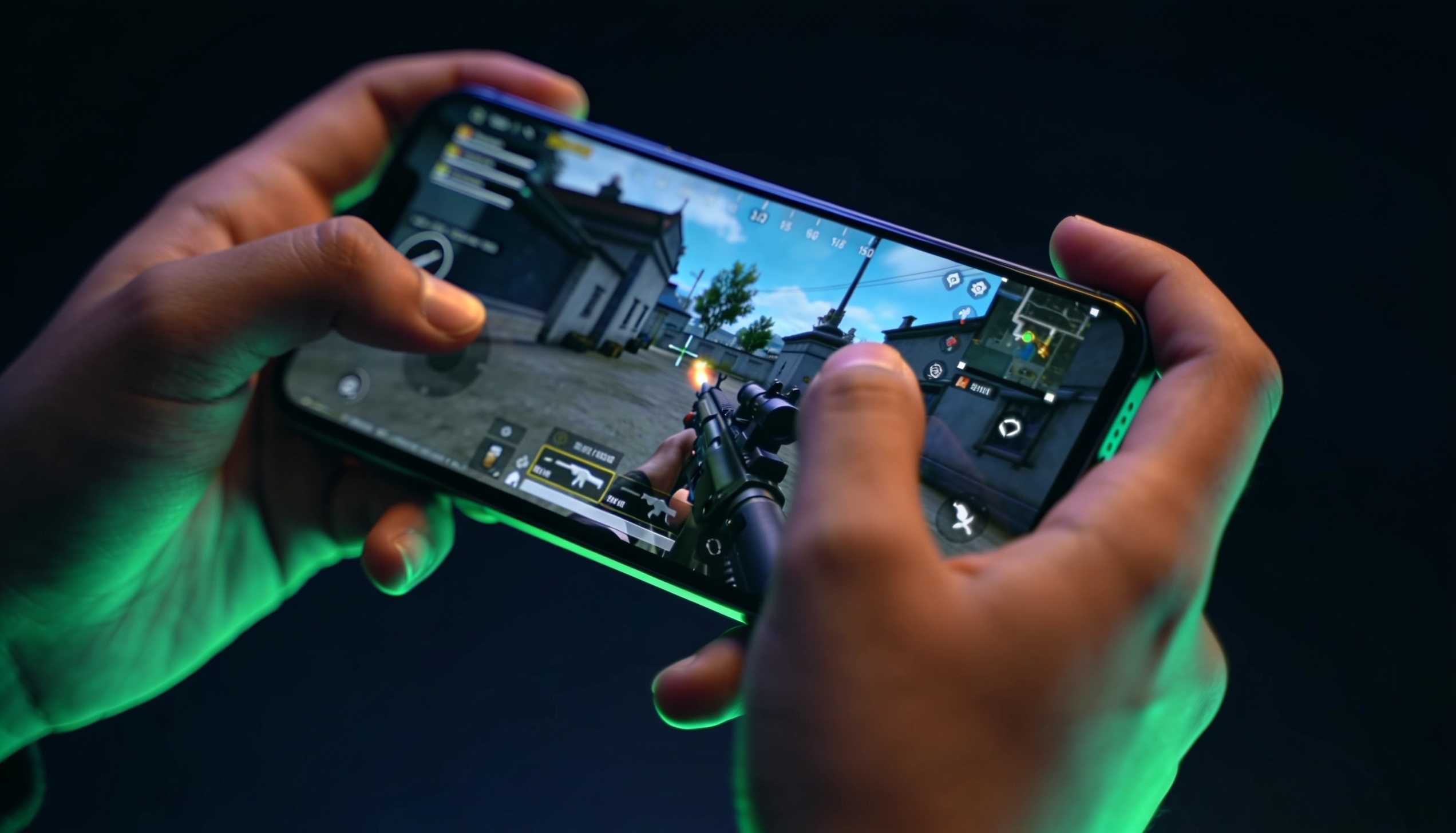
Every BGMI sensitivity settings guide on the internet hands you the same thing: a code to copy. A pro’s numbers, a YouTuber’s numbers, a Conqueror lobby screenshot with a caption that says “best sensitivity, thank me later.” You paste it, spray a wall in training, feel nothing change, and go back to losing close fights.
Here’s the part nobody says out loud: the code was never the point. A sensitivity code carries the hands, the device, and the habits of the player who built it. Copy the numbers and you inherit all three, and none of them are yours.
THE VERDICT
Stop copying sensitivity codes. Build your own in about 20 minutes. Start from the baseline table below, tune camera first, ADS second, gyro last, and change one number at a time. That method, not any specific code, is what I pushed Conqueror with, and it transfers to every phone you’ll ever own.
TESTED ON
- Device: iPhone 16 Plus · BGMI 4.4 · Smooth graphics + Extreme frame rate
- Mode: Ranked TPP squads · India server · playing since the 2017-18 PUBG Mobile beta
- Method status: re-checked on the 4.4 patch; will re-test after the 4.5 update lands on July 16
Why copied BGMI sensitivity codes fail
Copied codes fail because sensitivity is a relationship between your fingers, your screen, and your frame rate, and all three change from player to player. A code tuned on a 6.1-inch phone at 90fps behaves differently on a 6.7-inch iPhone 16 Plus at 60fps. Same numbers, different game.
Think about what a pro’s code actually encodes. Their grip (four fingers, maybe six). Their screen size. Their gyro habit. Their reaction time, built on thousands of hours. When you paste their numbers, you’re wearing their shoes and wondering why walking feels wrong.
I’ve rebuilt my sensitivity from scratch on every device I’ve owned since 2018… iPhones, iPads, Android phones, all of it. The numbers never transferred once. The method transferred every single time. That’s the trade this guide offers: twenty minutes of setup for a config that’s actually yours.
The three layers of BGMI sensitivity, explained
BGMI splits sensitivity into three layers, and each one answers a different question. Camera sensitivity controls how fast you look around when you’re not aiming. ADS sensitivity (aim down sight) controls how your crosshair moves while you’re firing. Gyroscope sensitivity controls how much the view moves when you tilt the phone itself.
The single most common mistake I see in squad lobbies: players tune everything at once. They change camera, ADS, and gyro in one session, play three matches, and can’t tell which change helped and which one hurt. Tune them in order. Camera first, because everything else sits on top of it. ADS second, because that’s where fights are won. Gyro last, and only if you use it.
Start from this baseline, not from zero
A baseline gives you a known starting point so every adjustment means something. These are the ranges I hand to squadmates when they ask, tuned for TPP on a large phone with thumbs or a light claw grip. They’re deliberately middle-of-the-road: fast enough to track, slow enough to stop.
| Setting | Starting range | What it should feel like |
|---|---|---|
| Camera (no scope, TPP) | 110–130% | A full thumb swipe turns you about 180 degrees |
| Camera (ADS, red dot / holo) | 50–60% | Tracking a strafing enemy at 15m without overshooting |
| ADS (red dot / holo) | 35–45% | Spray stays on a torso at 15–20m |
| ADS (3x) | 25–30% | Controlled taps, no wild kick |
| ADS (4x) | 15–20% | Recoil pulls down-range, not off-screen |
| ADS (6x) | 10–15% | Usable for sprays when dialed to 3x zoom |
| Gyroscope (always on) | 250–300% | Micro-corrections happen with wrist tilt, not thumbs |
Two notes before you touch anything. First, these are ranges, not answers; your final numbers will drift from these, and that’s the point. Second, lock your graphics settings before you tune. Sensitivity tuned at Extreme frame rate feels heavier if your phone later drops to Ultra in a hot drop. Frame rate consistency beats frame rate peak, every time.
The 20-minute tuning method
This is the whole system. One session, four steps, one number at a time.
Step 1: Camera sensitivity in training ground (5 minutes)
Load training ground. Pick a wall, stand 15 meters away, and practice snapping your view between two targets about 90 degrees apart. If you consistently swing past the second target, drop camera sensitivity by 10 points. If you’re always short and need a second swipe, raise it by 10. Repeat until a single natural swipe lands where your eyes already are.
Don’t chase perfection here. You want roughly right, because the next step is where precision lives.
Step 2: ADS sensitivity with an M416 (8 minutes)
Grab an M416 with a red dot, no other attachments. Spray a wall at 15 meters and watch the bullet pattern. Climbing off the target’s head means your ADS is too low to pull down comfortably; drifting sideways past the target means it’s too high. Adjust in steps of 5, never more, and re-spray after every change.
Then do the thing most players skip: put attachments on. A compensator and a vertical grip change the recoil pattern enough that your “perfect” bare-gun number is suddenly wrong. Tune for the loadout you actually run in ranked, not the naked training-room gun.
Repeat the process at 3x and 4x with tap-firing. The higher scopes punish sloppy numbers hardest, which is exactly why they come after the red dot is dialed.
Step 3: Validate in TDM, not in training (5 minutes)
The training room lies. Recoil feels controllable when nobody shoots back. Play two Team Deathmatch rounds and pay attention to one thing only: in close fights, does your crosshair arrive where you’re looking, or do you correct after? If you’re correcting sideways, camera is still too high. If enemies strafe out of your spray, ADS needs another pass.
Step 4: Freeze it for a week
This step is the one that separates players who improve from players who tinker. Once TDM feels right, do not touch the numbers for a week of ranked. Every config feels wrong for the first few matches because your muscle memory is still calibrated to the old one. Give your hands seven days to move in. Then, and only then, make one small adjustment if something still consistently misses.
Bhai, I know the itch to keep tweaking is real. Resist it. A mediocre config you’ve internalized beats a perfect config you change every night.
Gyro or no gyro: the honest answer
Gyro aiming (steering your crosshair by physically tilting the phone) is the single biggest accuracy upgrade most thumb players refuse to try, and also the one with the steepest adjustment period. Both things are true.
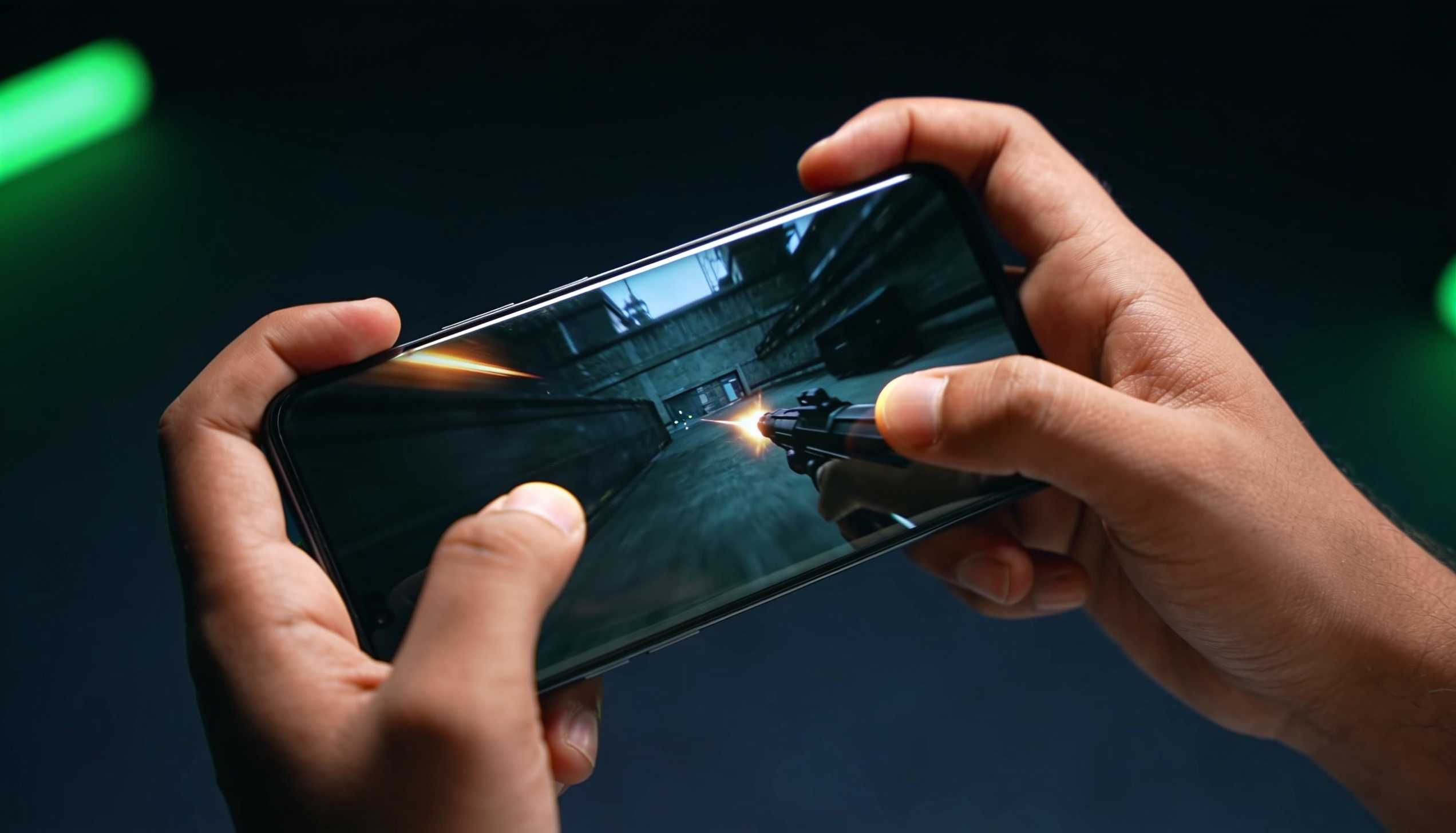
The case for it: your wrists are simply better at micro-corrections than your thumbs. Recoil control at 4x, tracking a target through a smoke edge, holding a spray on a moving enemy at 25 meters… gyro does all of it with less screen clutter. The case against: expect one to two weeks of feeling worse before you feel better, and playing in a moving car or lying in bed becomes genuinely hard (the ceiling becomes a valid aim direction, ask me how I know).
My recommendation is one-directional: if you’re Platinum or below, learn crosshair placement first and skip gyro. If you’re pushing Diamond and up, switch to scope-on gyro at 250-300% and eat the two bad weeks. Scope-on (gyro active only while aiming) gets you most of the benefit without the constant drift of always-on.
Why your device changes the right answer
Screen size changes swipe distance. A 180-degree turn on a 6.7-inch iPhone 16 Plus covers more physical glass than the same turn on a compact Android, so the bigger phone usually wants slightly higher camera sensitivity to keep the thumb travel identical. iPad players live at the extreme end of this: same code, completely different feel, which is why tablet codes never work on phones.
Frame rate changes perceived speed. The same 120% camera feels smoother and slightly faster at 90fps than at 60fps because the image updates more often per swipe. On my 16 Plus I run Smooth + Extreme for a locked 60 rather than chasing higher modes, because a stable frame time keeps sensitivity feeling identical in the lobby and in a four-squad Pochinki fight. Whatever your device offers, pick the frame rate it can hold, then tune.
Grip changes everything else. Thumbs, three-finger, four-finger claw… each one frees or occupies the fingers that do the aiming. If you switch grips, re-run the 20-minute method from step 1. The old numbers belong to the old grip.
When to re-tune (and when to leave it alone)
Re-tune on three occasions only. One: you changed devices. Two: you changed grip. Three: a major patch touched recoil or aiming, and you’ll usually feel it within two matches. The 4.5 update landing on July 16 is worth a check-in spray session, and I’ll update this guide if the patch moves anything that matters.
Do not re-tune after a bad night. Everyone sprays like a bot some days. The config didn’t change; your sleep did.
One last thing on codes, since someone will ask. Sharing a code isn’t useless: mine would at least show you the relationships between layers (camera above 100%, ADS well under half of it, gyro way up high). But the ratios are the lesson, not the digits. Full details on how testing works on this site live on the How We Test page.
FAQ
What is the best sensitivity code for BGMI?
There isn’t one, and anyone selling you one is guessing. Sensitivity depends on your device size, frame rate, and grip. Use a baseline (camera 110-130%, red dot ADS 35-45%, gyro 250-300% if you use it) and tune each layer for 20 minutes in training ground and TDM. Your own tuned numbers will beat any copied Conqueror code.
Is gyroscope worth it in BGMI?
For Diamond and above, yes. Wrists make finer corrections than thumbs, especially on 4x sprays. Use scope-on gyro at 250-300% and expect one to two weeks of adjustment before it pays off. Below Platinum, crosshair placement practice improves your aim faster than gyro will.
Do PUBG Mobile sensitivity settings work in BGMI?
Yes. BGMI and PUBG Mobile share the same engine and the same sensitivity system, so the tuning method transfers directly. Just re-validate after major version updates, because recoil tweaks don’t always ship to both games at the same time.
How often should I change my sensitivity settings?
Almost never. Re-tune only when you change your device, change your grip, or a major patch alters recoil or aiming. Constant tweaking prevents muscle memory from forming, which costs you more fights than any imperfect number does.
The part that actually ranks you up
Sensitivity is a floor, not a ceiling. The 20 minutes you spend building your own config removes a handicap; it doesn’t add a skill. What took me from hardstuck to Conqueror lobbies wasn’t a magic number, it was the boring loop: one config, frozen for weeks, while the practice went into positioning and crosshair placement instead of settings menus.
Build the config once. Then go play the game.
Leave a Reply